Bing wallpaper of the day - Gnome
December 1, 2024 - Reading time: ~1 minute
Bing produces a wallpaper every day and it changes every day at UTC 00:00:00.
you can query Bing for the latest wallpaper and save it to your desktop wallpaper.
Firstly, Gnome uses the $HOME/.config/background file,
which is an image. It can be opened using a photo app.
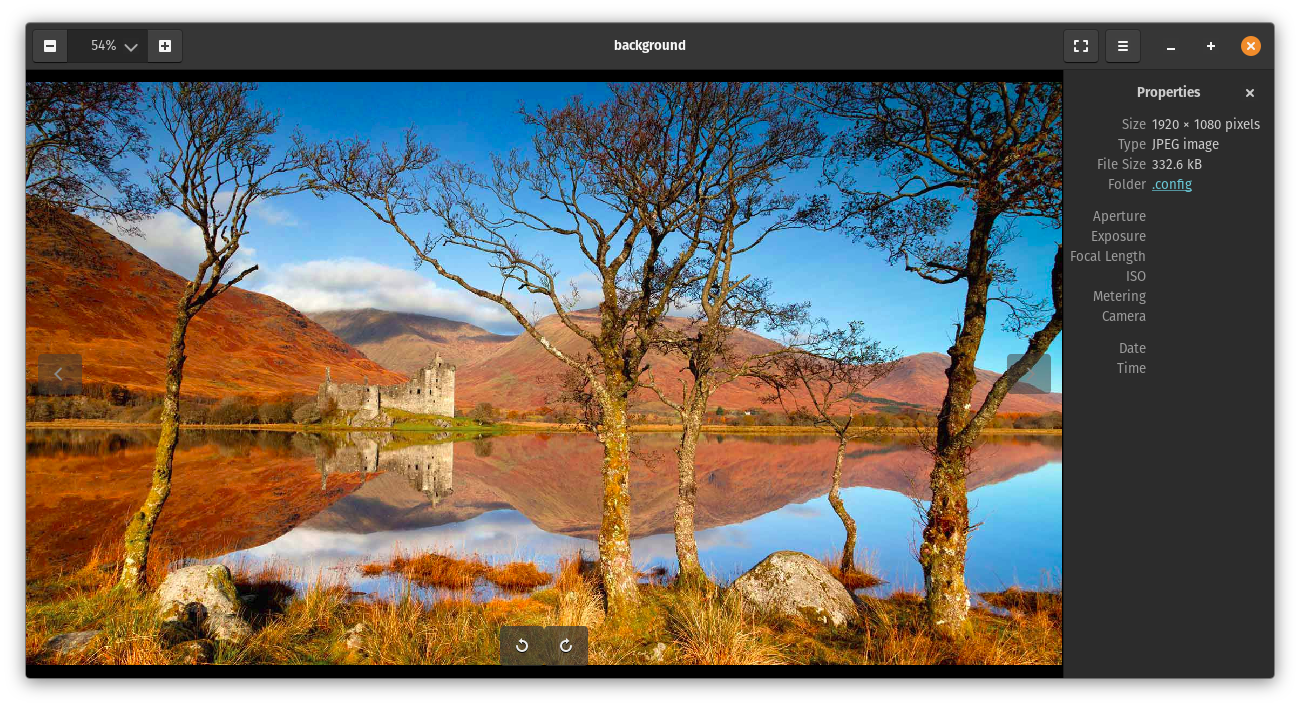
Above is the current screenshot of my background taken from $HOME/.config/background.
So, if you manipulate the $HOME/.config/background file, you can set any background you want, whenever you want. Changes take place immediately.
Just make sure you have the correct ownership and access set on the file. The file should be like the following:
-rw-rw-r-- 1 lazy lazy 332568 Dec 1 07:29 .config/background
Which means (reading from left to right), owner (me) read/write, group read/write, others read only. if not run in a terminal
chmod 664 $HOME/.config/background
Then all you need to do is use dconf-editor to change the background to be ~/.config/background
LazyCoderOZ
This is my blog on my discoveries and notes so I don't forget how I have done things :)